
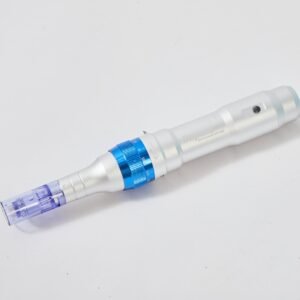
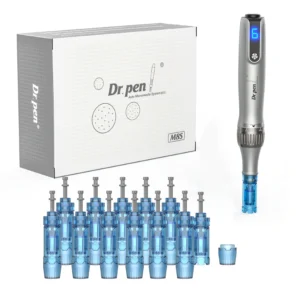
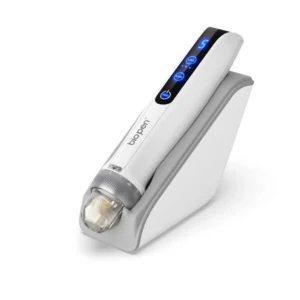
Authenticity
Dr. Pen® Authenticity
Verify your device using official verification systems for Global Dr. Pen, BioPen, and HydraPen. For credibility and security, authenticity checks are completed through the official verification systems.
Official verification
Global Dr. Pen / BioPen / HydraPen
How it works
Scratch label → Scan QR or enter code
Support
We help confirm next steps
Global Dr. Pen Authentication
Verify on Dr. Pen global verifier
Scratch the label to reveal the full security code and QR. Then scan the QR code or enter the code on the official site.
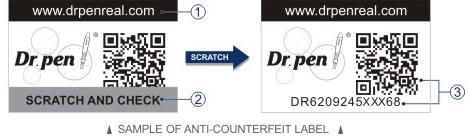
1. Scratch the label
Reveal the complete security code and QR code.
2. Verify on the official website
Scan the QR code or enter the authentication number on drpenreal.com.
BioPen
Verify BioPen authenticity
Use the BioPen official verification site. Scratch the label, then scan the QR or enter the code.
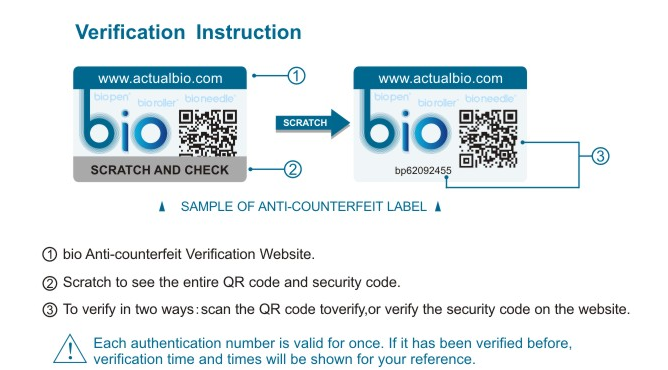
1. Scratch the label
Reveal the complete security code and QR code.
2. Verify on the official website
Scan the QR code or enter the authentication number on actualbio.com.
HydraPen
Verify HydraPen authenticity
Use the HydraPen official verification site. Scratch the label, then scan the QR or enter the code.
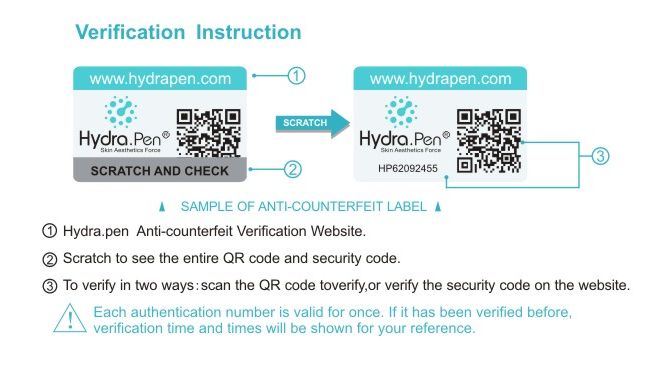
1. Scratch the label
Reveal the complete security code and QR code.
2. Verify on the official website
Scan the QR code or enter the authentication number on hydrapen.com.
Verification results are generated by the official verification websites. Proskinetics does not create or alter verification outcomes.